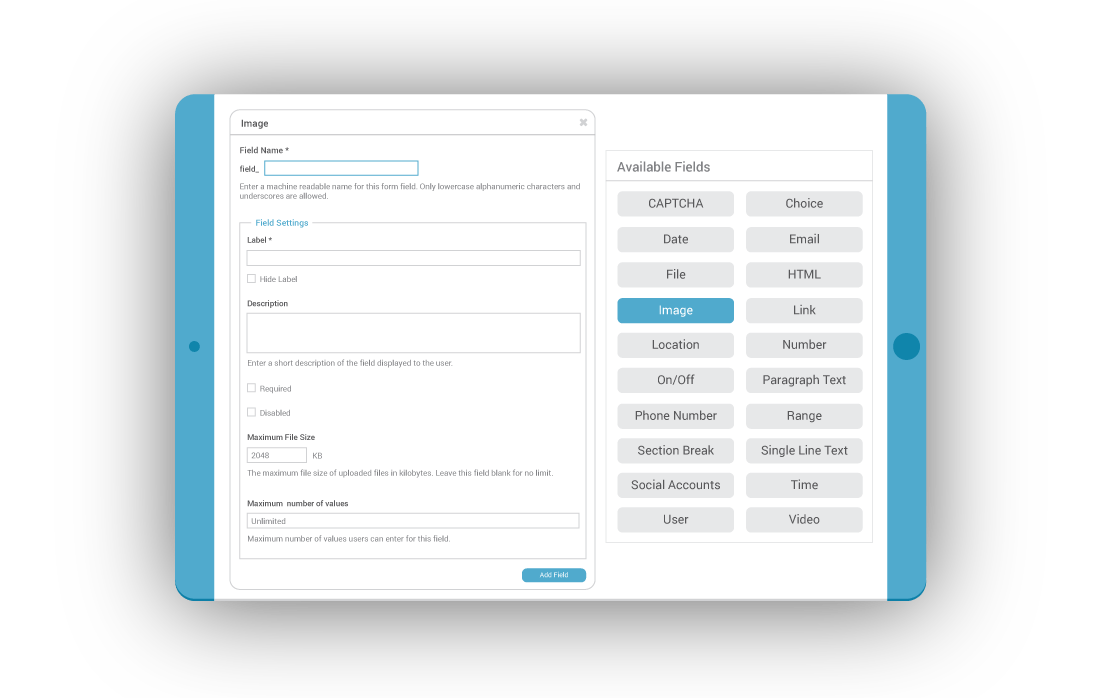
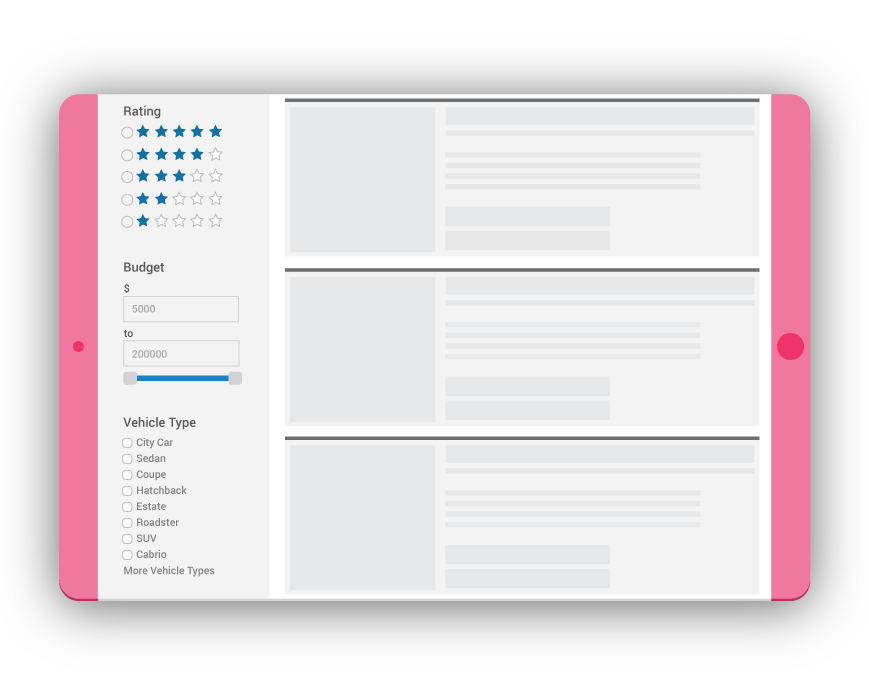
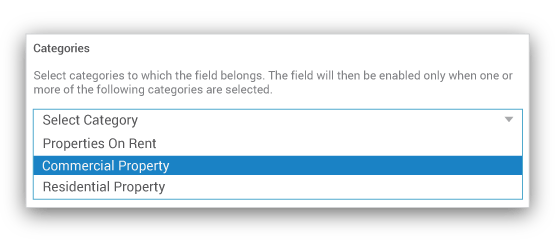
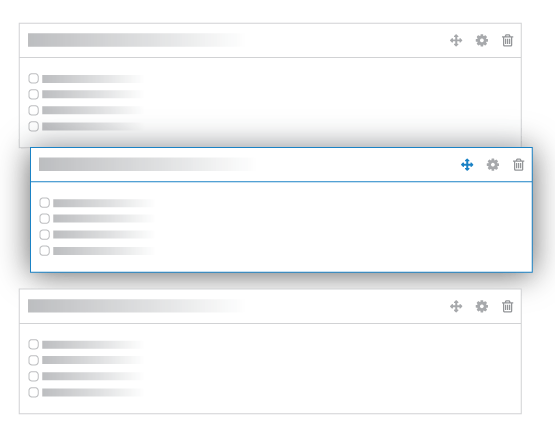
LISTING CATEGORIESDisplay Your Business Listing Categories In Style CUSTOM FIELDS AS FILTERSAll The Custom Fields That You Create Can Be Used As Filters To Enable The Users To Filter Directory Listings Easily CATEGORY SPECIFIC FIELDSCreate Custom Fields Only For Specific Categories Of Directory Listings DRAG AND DROP FIELDS TO BUILD FORMSEasily Drag-N-Drop Custom Fields To Build The Directory Submission Form And Set The Sequence Of Information For Your Listing Page FIELDS SPECIFIC TO PRICING PLANSSetup Fields Specific To Pricing Plans. So Only High Paying Customers Get Access To Certain Fields HIDE FIELDS BASED ON LIST, GRID OR MAP VIEWAbility To Control The Diaply Of The Fields Based On The View. Choose Which Fields To Display On Listing, Grid Or Map View VARIETY OF CUSTOM FIELDSWith Czar, You Can Create Virtually Any Submission Form With A Bouquet Of Available Custom Fields CAPTCHA Use Re-Captcha To Ensure That Listings Are Created By Humans CHECKBOXES Multiple Select Items In A Form Using Check Boxes RADIO BUTTONS Radio Buttons For A Single Choice Of Items From A List SELECT LIST Multiple Select Drop-Down Lists For List Items In The Form DATE Create Date Fields To Enable Users To Select Dates Easily EMAIL Email Field For Email Inputs And Validation FILE UPLOAD File Upload Fields To Enable Directory Owners To Upload Files HTML HTML Field Enables The Directory Owners To Add HTML IMAGE Control The Number Of Images And Size Using The Image Field LINK Enable Directory Owners To Add Multiple Links To Listings MAP Interactive Map Fields For Users To Select Location MARKDOWN Listing Owners Get The Ability To Use Markdown NUMBERS Create Custom Validations For Number Inputs ON/OFF ON / OFF Field To Take Boolean Values As Input From Users PARAGRAPH TEXT Paragraph Text Fields For Long Descriptions PHONE Extensive Validation For Phone Numbers RANGE Assign Custom Range And Filters Using The Range Field SECTIONS Divide The Entire Form Into Sections Of Your Choice SOCIAL ACCOUNTS Ability To Add Multiple Social Networks Of Your Choice To Listing SINGLE LINE TEXT Single Line Text Fields For Short Text Inputs TIME Format Time Inputs As Per Your Choice Using The Time Field USER Directory Owner Can Be Assigned The Ability To Select A User Using This Field VIDEOS Include Vimeo As Well As YouTube Videos Easily WordPress EDITOR Complete WordPress Editor For The Listing Owner